

Description
ProxyGuard: Advanced VPN & Proxy Protection for CtrlPanel
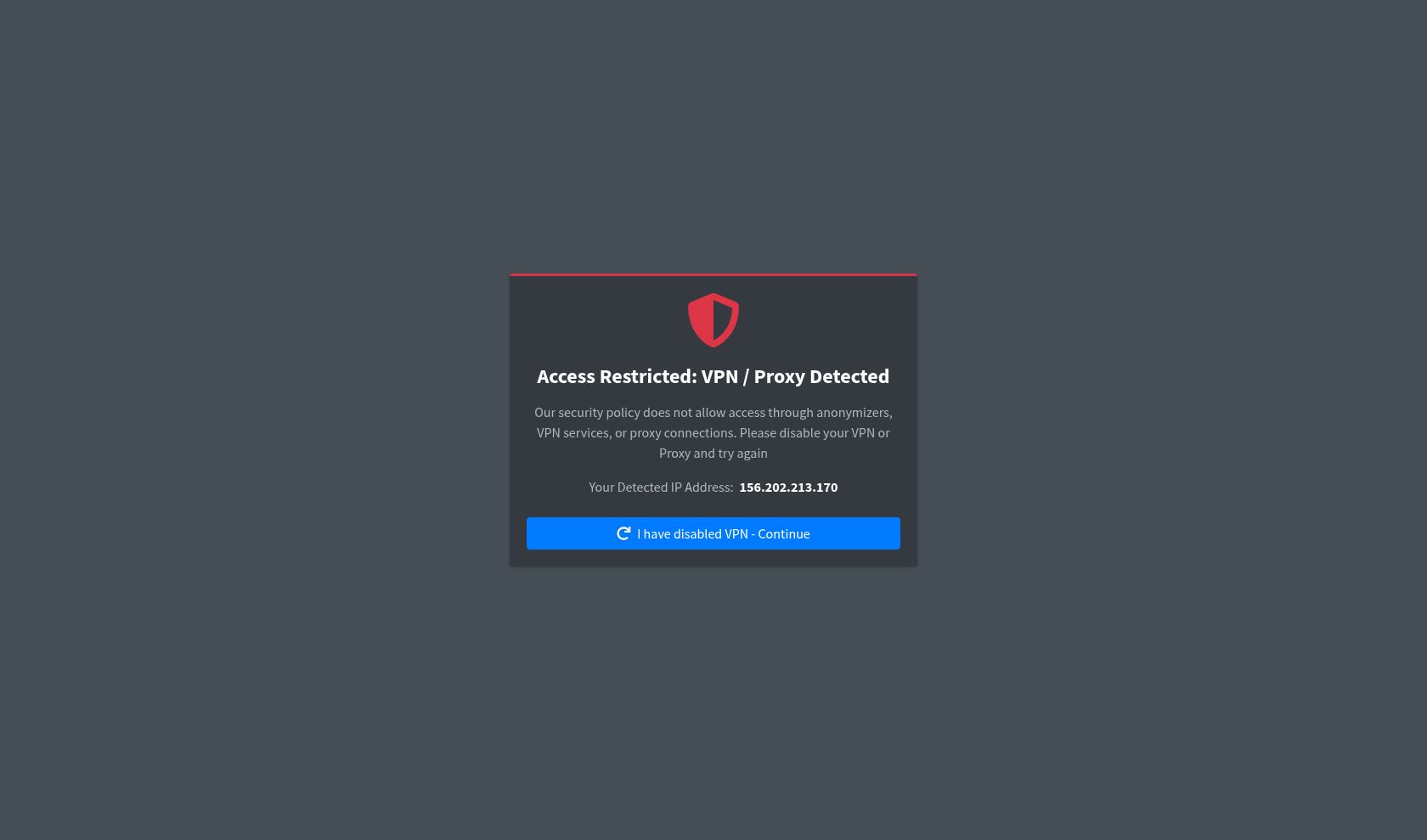
ProxyGuard is a powerful security extension designed to protect your CtrlPanel installation from malicious users, fraud, and abuse. By identifying and blocking users connected via VPNs, proxies, or non-residential datacenter IPs, you can ensure that your platform is accessed only by legitimate traffic.
⚠️ Important Note: Achieving a 100% block rate is physically impossible due to how IP detection mechanisms work and the inherent limitations of internet architecture. However, ProxyGuard will effectively filter out and block the vast majority of unwanted VPN, proxy, and datacenter traffic.
✨ Key Features
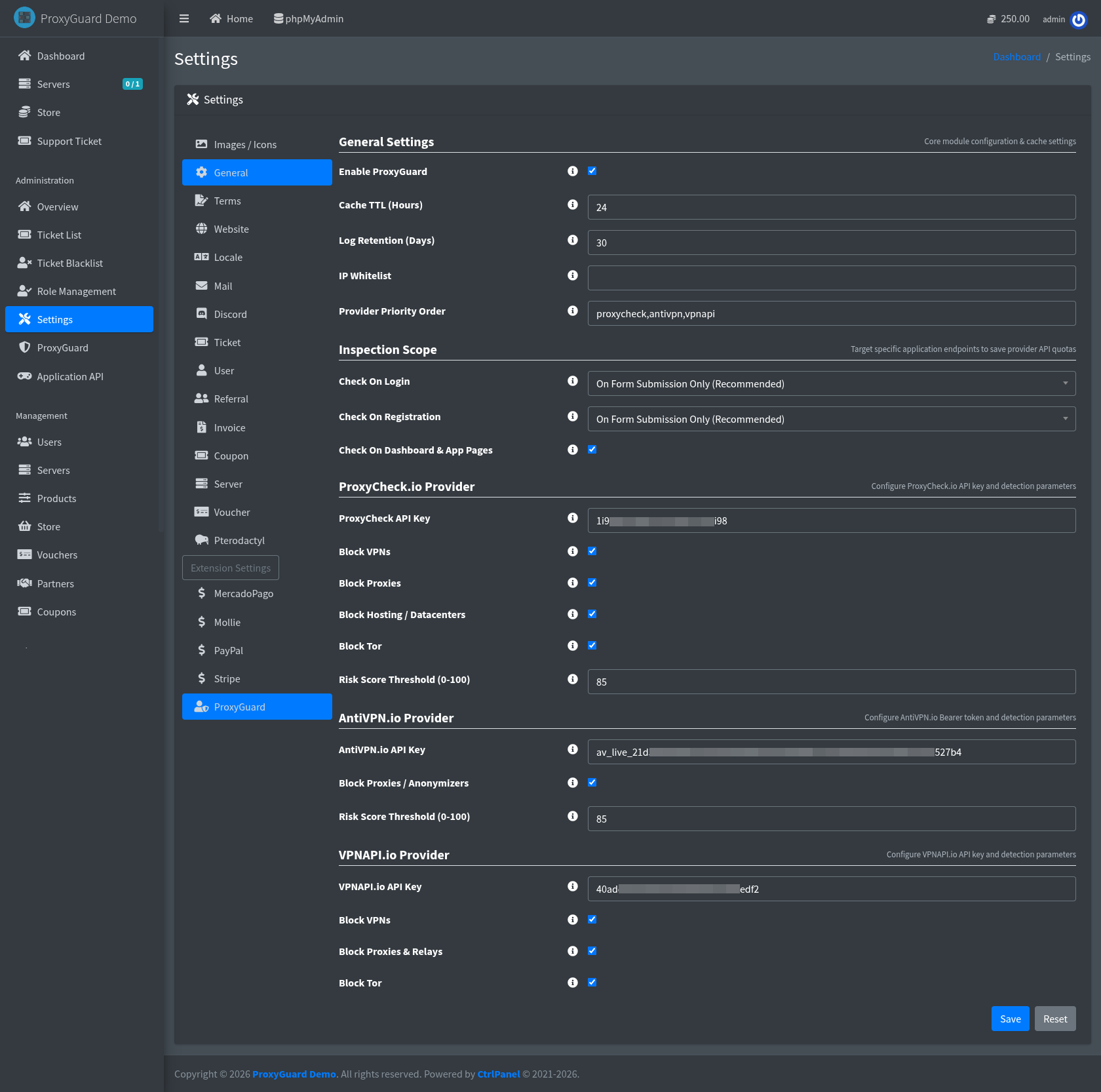
- Multi-Provider Anti-VPN Support: Currently supports three major API providers: ProxyCheck.io, AntiVPN.io, and VPNAPI.io. (Support for more providers, including local offline databases, is planned for future updates).
- Smart Failover System: Configure multiple API providers with priority routing. If your primary provider goes down or limits are reached, ProxyGuard automatically falls back to the next one. If all providers are unavailable, access is temporarily allowed to prevent locking out legitimate users.
- Local Caching for Optimization: To save your API requests and improve page load speeds, IP check results are securely cached locally for a customizable duration.
- Flexible Checking Rules: Tailor the security triggers for your Login and Registration pages to suit your needs:
- On Form Submit (Recommended): Checks the IP only when the user clicks Login/Register. Highly optimal and prevents bots from exhausting your API limits.
- Always Check: Checks the IP immediately upon opening the page.
- Disabled: Turns off checking for specific pages.
- Advanced Whitelisting & Role Bypass: Easily whitelist specific IP addresses. You can also assign a bypass permission to specific roles. (Note: Because the default CtrlPanel Administrator role uses a wildcard
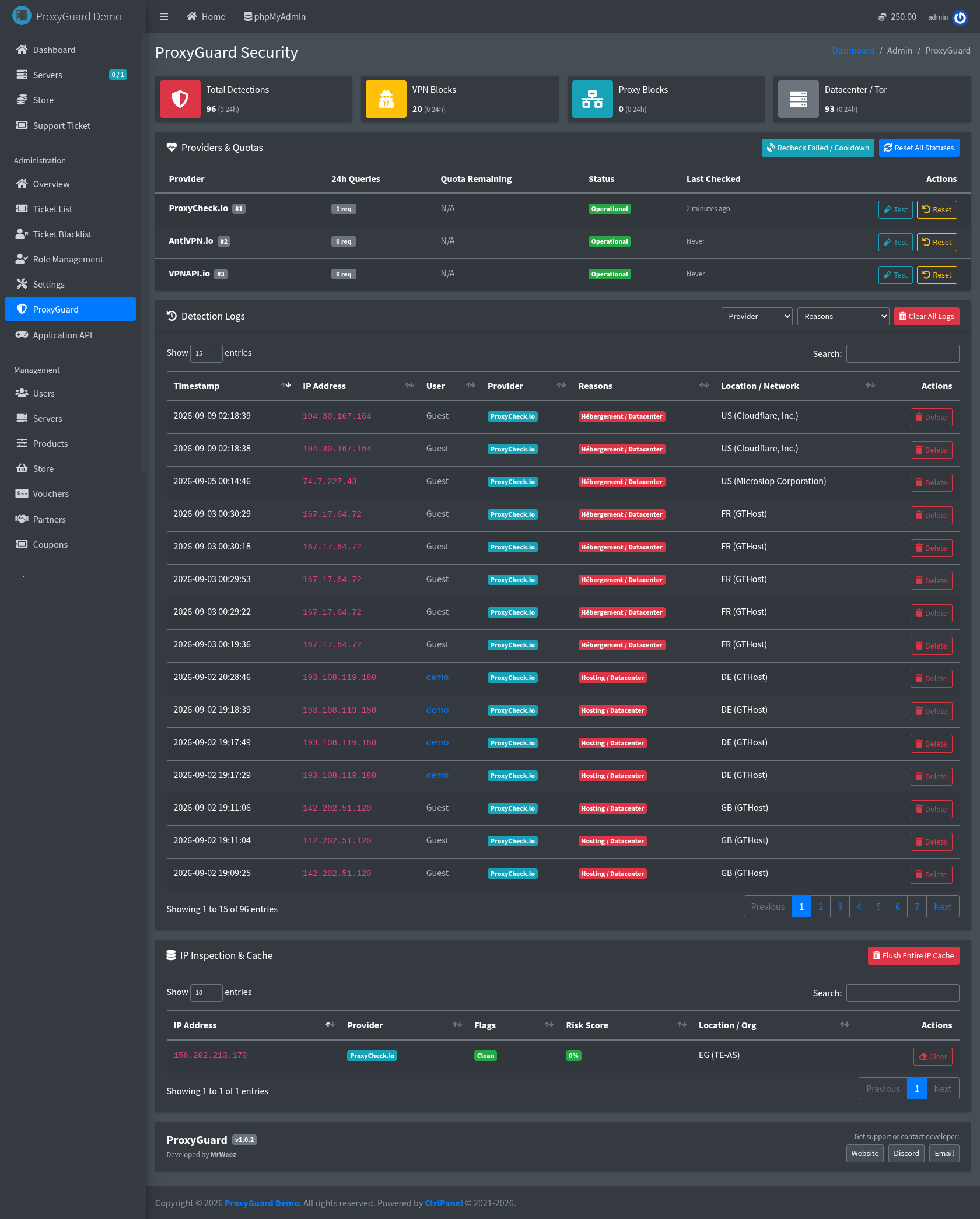
*permission, Admins will automatically bypass VPN checks, ensuring you never get locked out). - Comprehensive Management Dashboard: View detailed detection logs directly from your panel. Browse, clear, or delete specific IP addresses from your local cache with ease.
- Theme Developer Friendly: The blocked message page is fully customizable. Third-party themes can easily override the view to match their design (instructions included in the README).
- Seamless Installation: Designed for minimal interference with CtrlPanel’s core. In future CtrlPanel versions, zero file edits will be required – simply drop the folder, run migrations, and you’re good to go!
🛠️ Installation Guide
- Download the add-on archive.
- Upload the file to your CtrlPanel root directory (usually
/var/www/ctrlpanel). The path should look like:/var/www/ctrlpanel/ProxyGuard-X.X.X-xxxxxx.zip - Navigate to the root directory via terminal:
cd /var/www/ctrlpanel - Unzip the archive:
unzip ProxyGuard-X.X.X-xxxxxx.zip - Follow the specific installation instructions provided in the extension’s README located at:
/var/www/ctrlpanel/app/Extensions/Security/ProxyGuard/README.md
📞 Support & Contact
If you have any questions, encounter issues, or just want to say hello, feel free to reach out!
- Website: mrweez.dev
- Discord: Contact MrWeez on the official CtrlPanel server, or via my User Profile.
- Email: hello@mrweez.dev
💡 Payment Note: If you are unable to use PayPal on this marketplace for any reason, please contact me directly using the links above, and we will find a convenient alternative payment method for both of us!
License Info: By purchasing, you agree to the ProxyGuard EULA available here.




Reviews
There are no reviews yet.