

Description
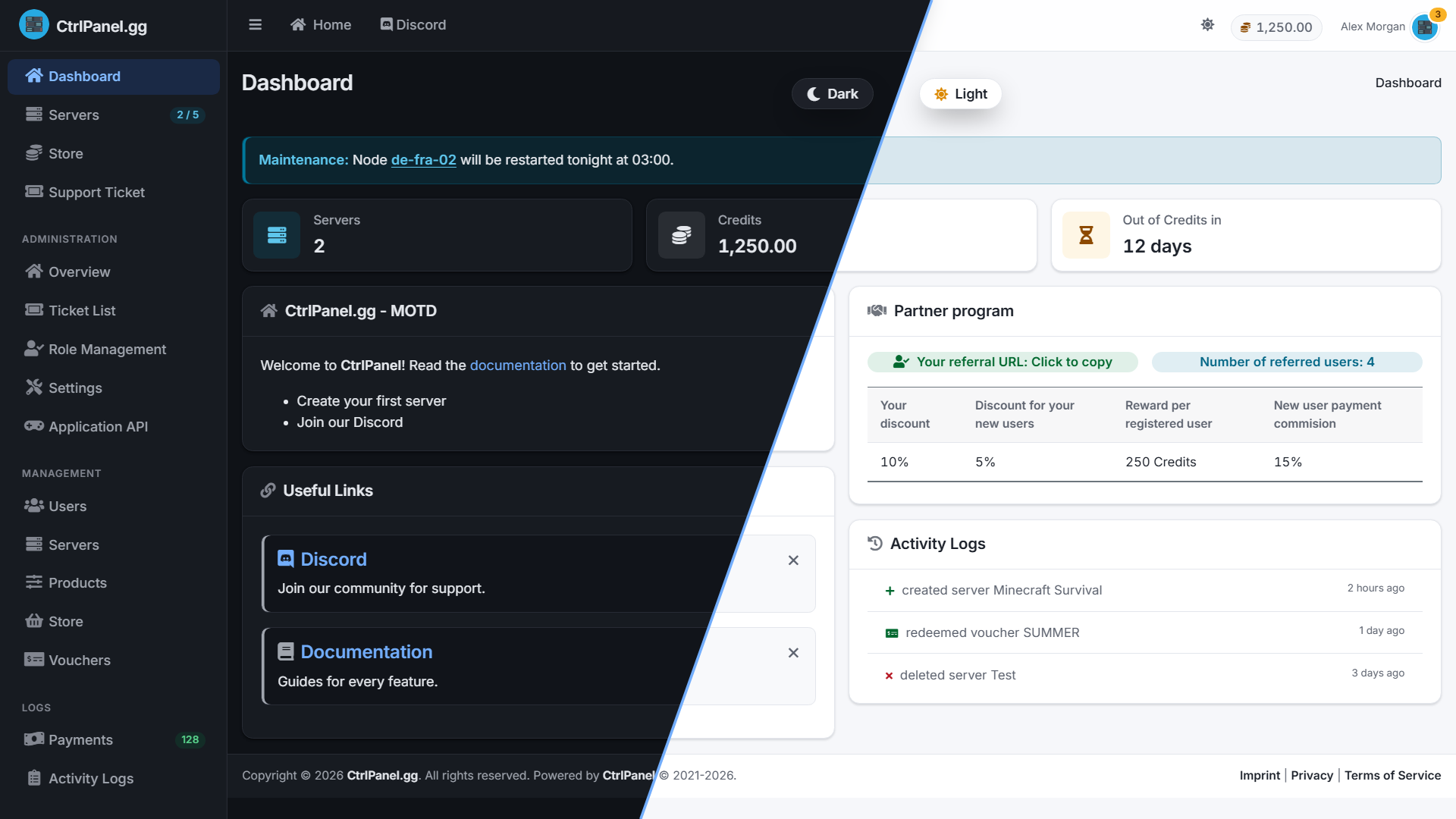
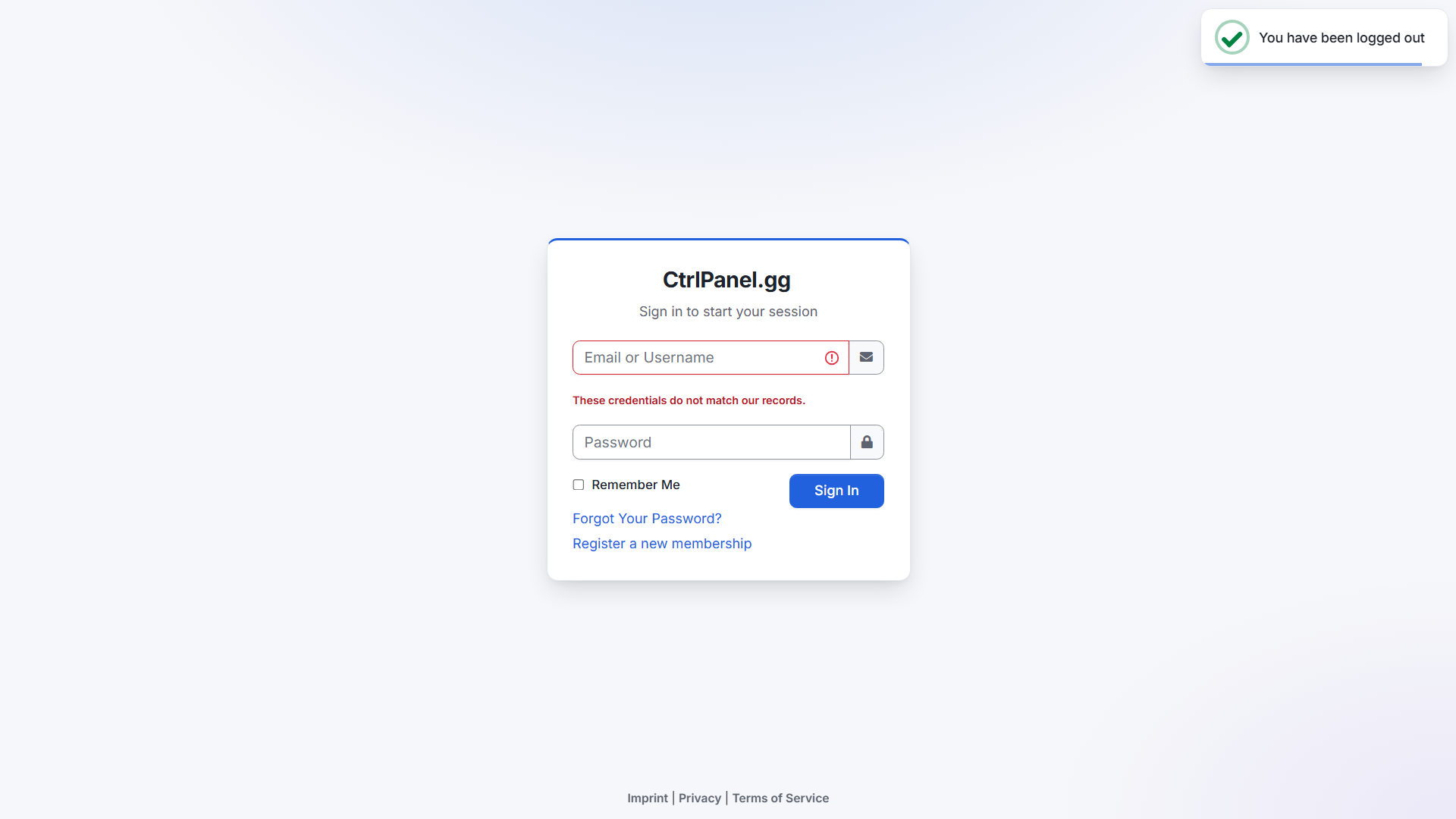
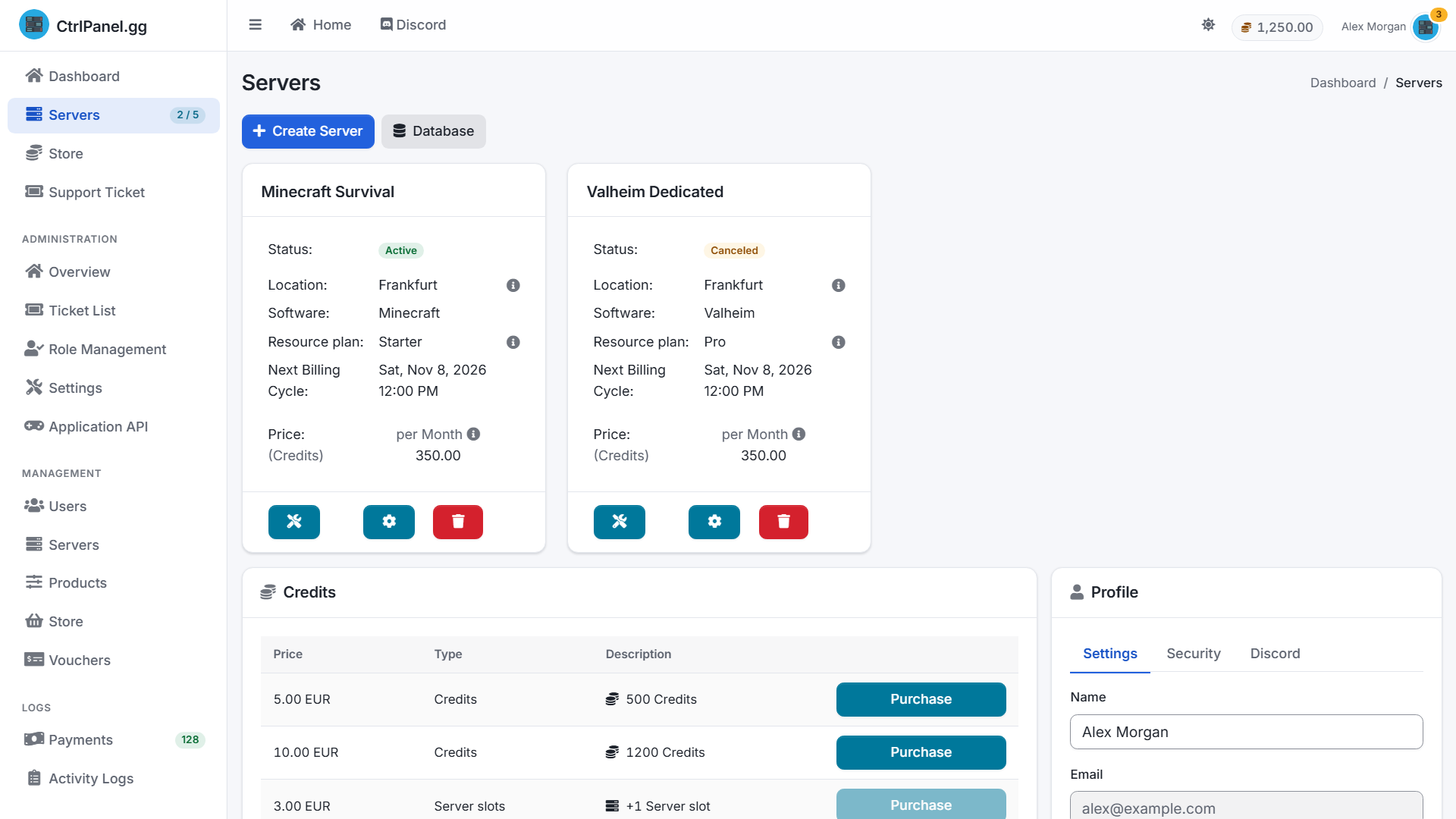
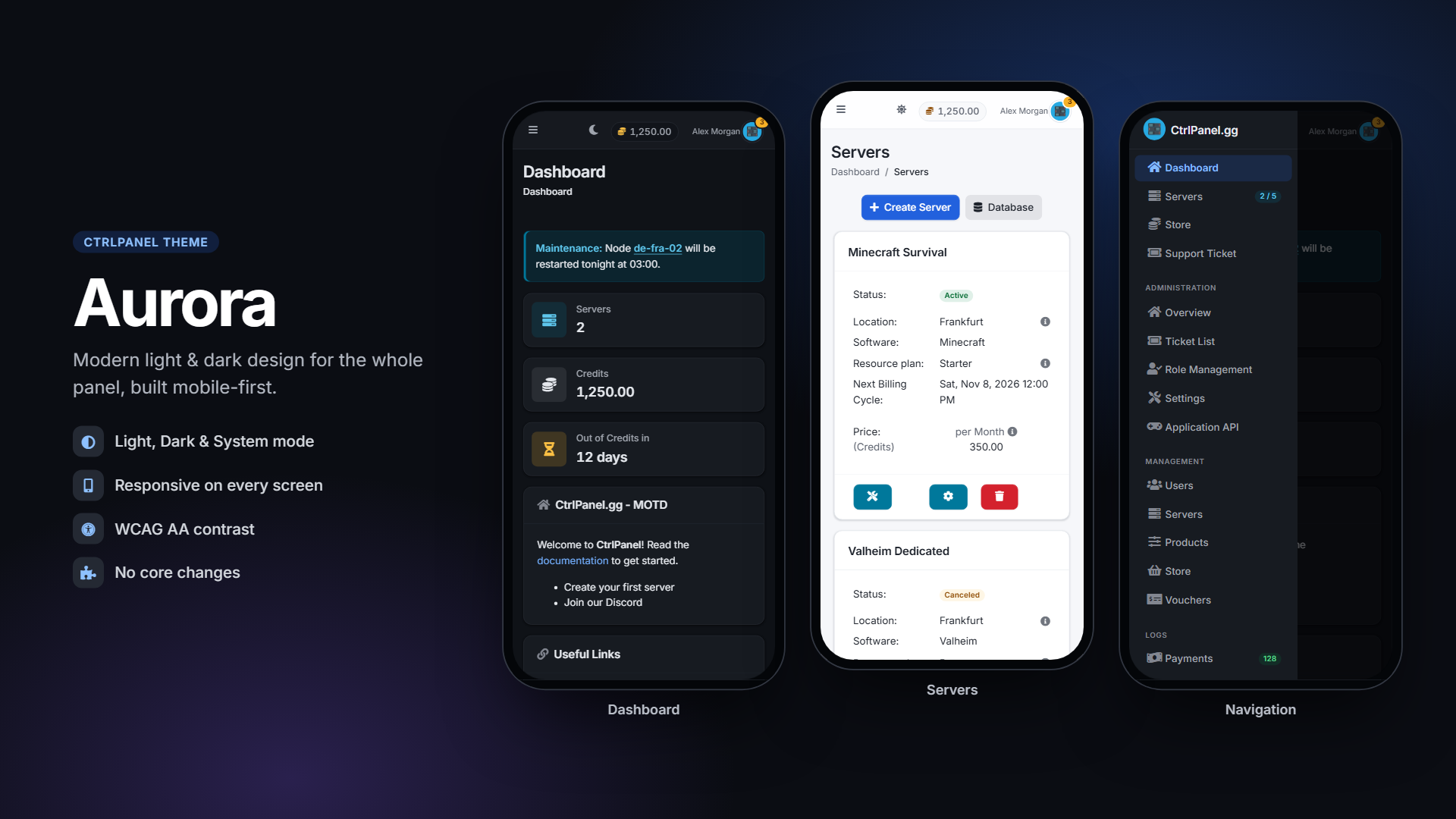
Aurora gives CtrlPanel a clean, modern look without changing how it works. Every page keeps its familiar layout, navigation and features. Aurora refines the colors, typography, spacing, shadows and interactions throughout, in both the user panel and the complete admin area.
Highlights
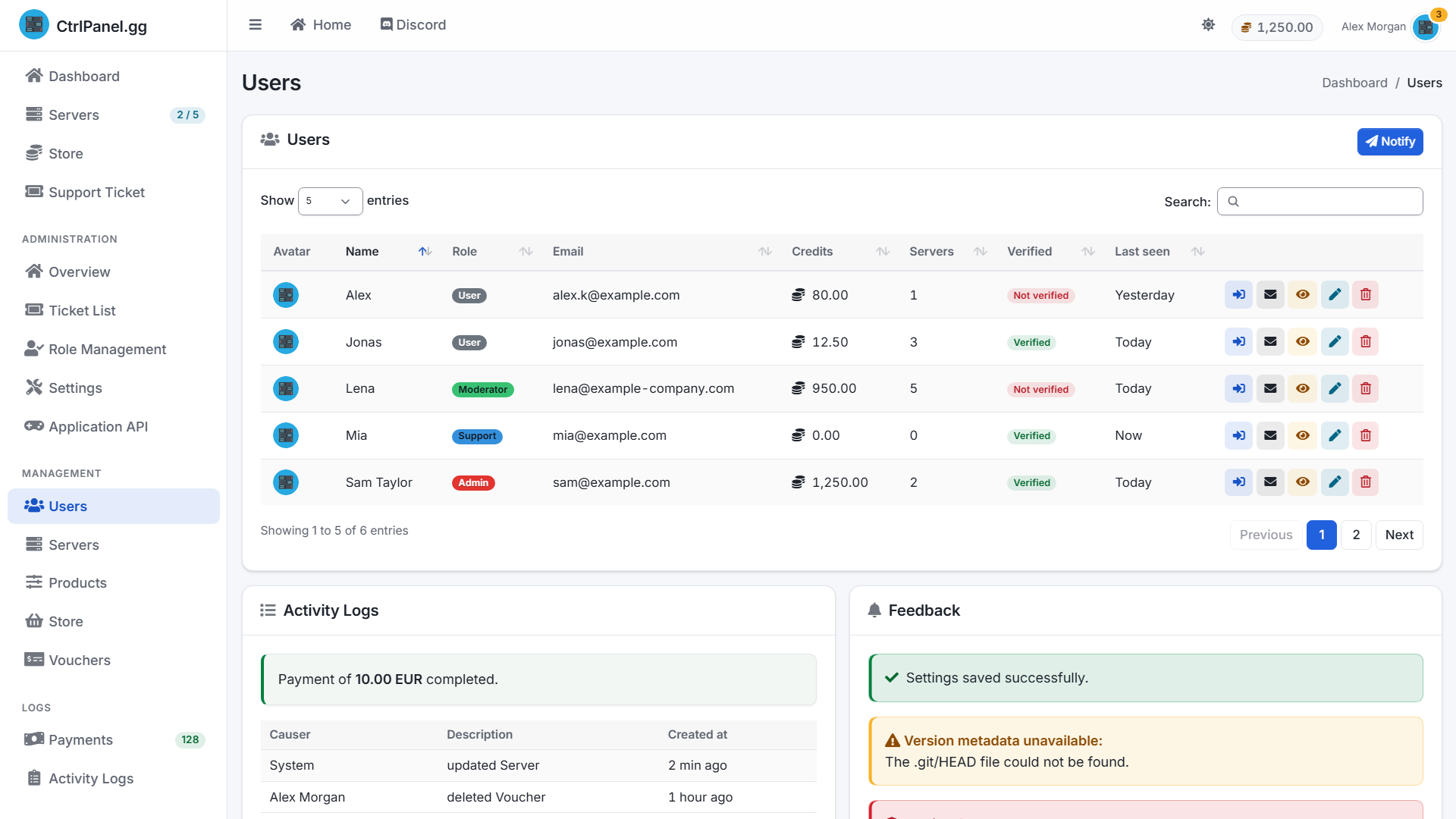
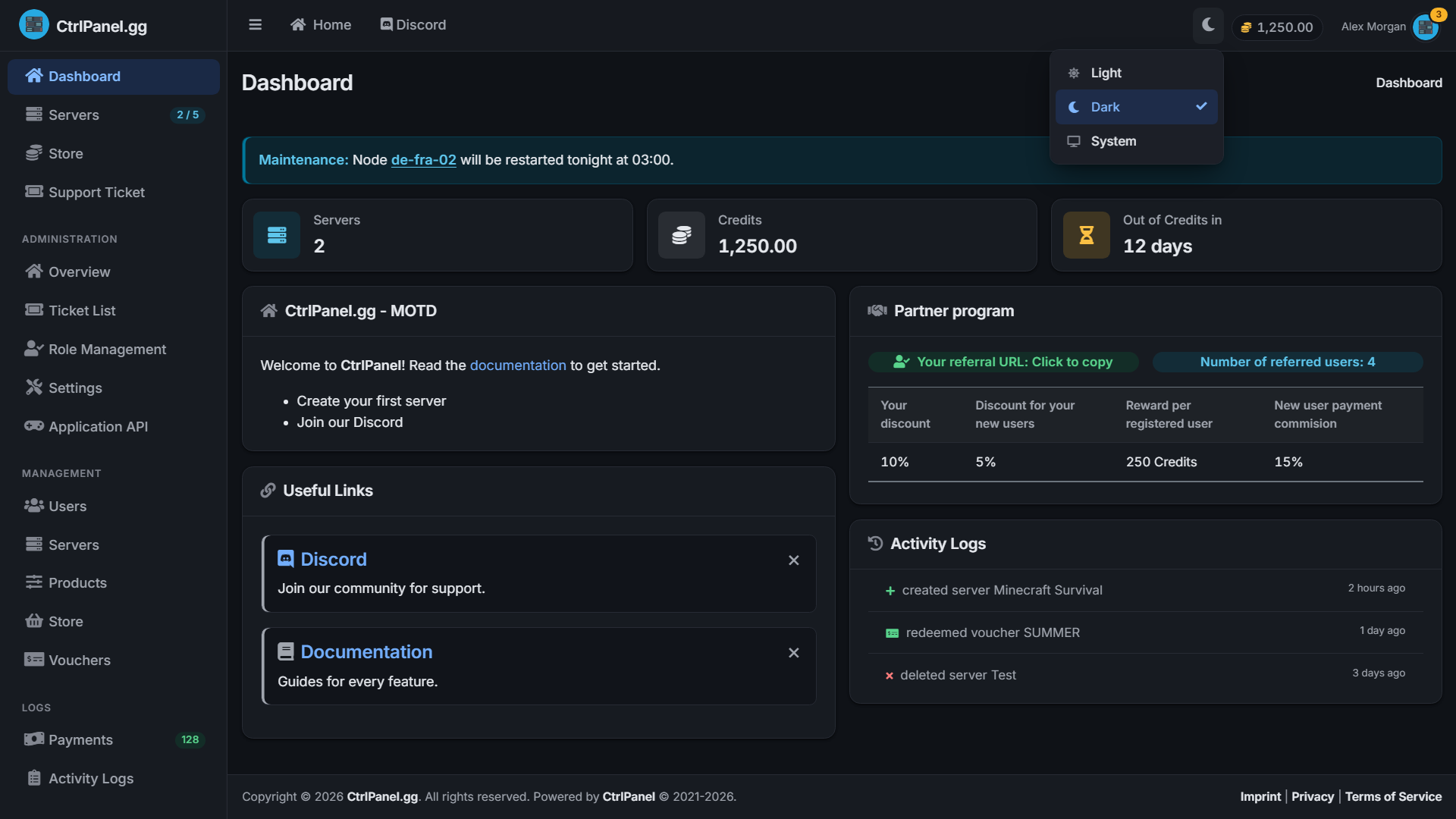
Light, Dark & System mode: a switcher in the header. The choice is remembered per browser and the System option follows the OS setting automatically. No flash of the wrong theme on page load.
Complete coverage: dashboard, servers, store and checkout, tickets, profile, notifications, login/registration/2FA, legal pages and redesigned error pages.
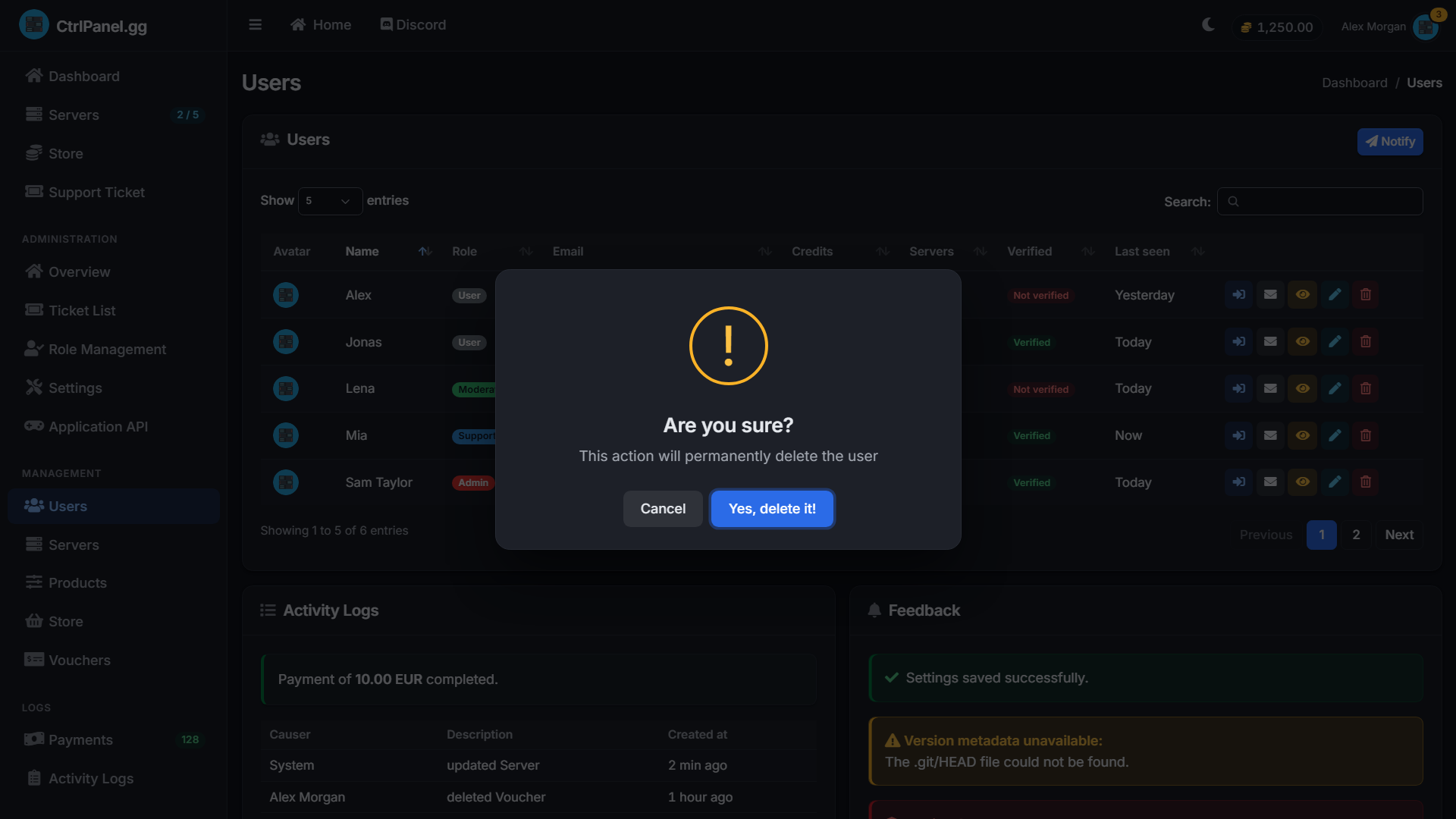
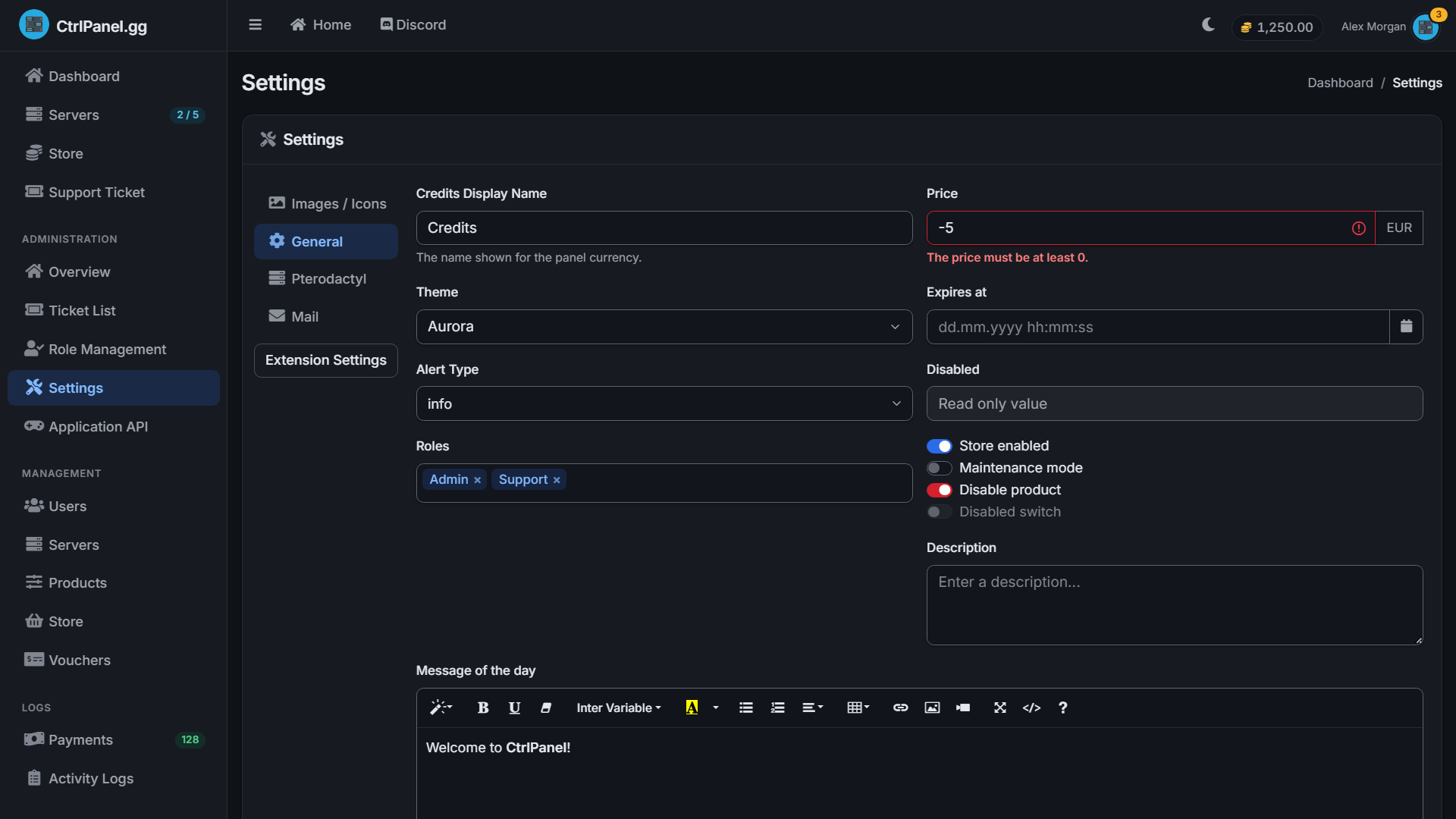
Built for admins: calmer data tables with compact soft action buttons, clear status badges, styled DataTables search and pagination, and consistent forms, switches and validation states for long working sessions.
Every plugin themed: Select2, the date/time picker, the Summernote editor, SweetAlert2 dialogs and toasts, tooltips, popovers, modals and dropdowns all match the theme.
Accessible: WCAG AA text contrast in both modes, clearly visible keyboard focus rings, and respect for “reduced motion”.
Responsive: works from phones to wide screens, including the mobile navigation.
Privacy-friendly: the Inter font is self-hosted. No Google Fonts requests.
Zero core changes: Aurora is a regular child theme of default. It overrides only three layouts; every other page uses the original views.
Easy to customize: built on Tailwind CSS v4 and daisyUI v5. All colors, radii and shadows come from one set of design tokens.
Download and extract the ZIP. It contains two folders: themes/Aurora and public/themes/Aurora.
Copy both folders into your CtrlPanel root directory (usually /var/www/ctrlpanel) and merge them with the existing themes and public/themes folders:
cd /var/www/ctrlpanel
unzip /path/to/aurora.zip -d /var/www/ctrlpanel
The folder name must be exactly Aurora, with a capital A. Linux paths are case-sensitive.
Give the files to your web server user:
chown -R www-data:www-data /var/www/ctrlpanel/
Clear the view cache:
php artisan view:clear
In CtrlPanel, open Admin → Settings → General, set Theme to Aurora and save.


Reviews
There are no reviews yet.