


Description
Instructions for use 📖:
Deployment to your own hosting 🏠:
- Import Analytics_Dashboard.json into your panel 🖥️
- Create a server with this egg 🥚➡️🖥️
- After completing the server installation ✅, in the
main.pyfile, change the variables to your values 📝 following the instructions in the samemain.pyfile - Run the server ▶️ and enjoy the script’s work 😎
Installation on someone else’s hosting 🌐:
- Download all files from this repository in a zip archive 📦
- Unzip the archive on the server 📂
- Select Python version 3.10+ 🐍
- Make the
main.pyfile executable at startup ⚡ - After completing the server installation ✅, in the
main.pyfile, change the variables to your values 📝 following the instructions in the samemain.pyfile - Run the server ▶️ and enjoy the script’s work 😎
Features ⚙️:
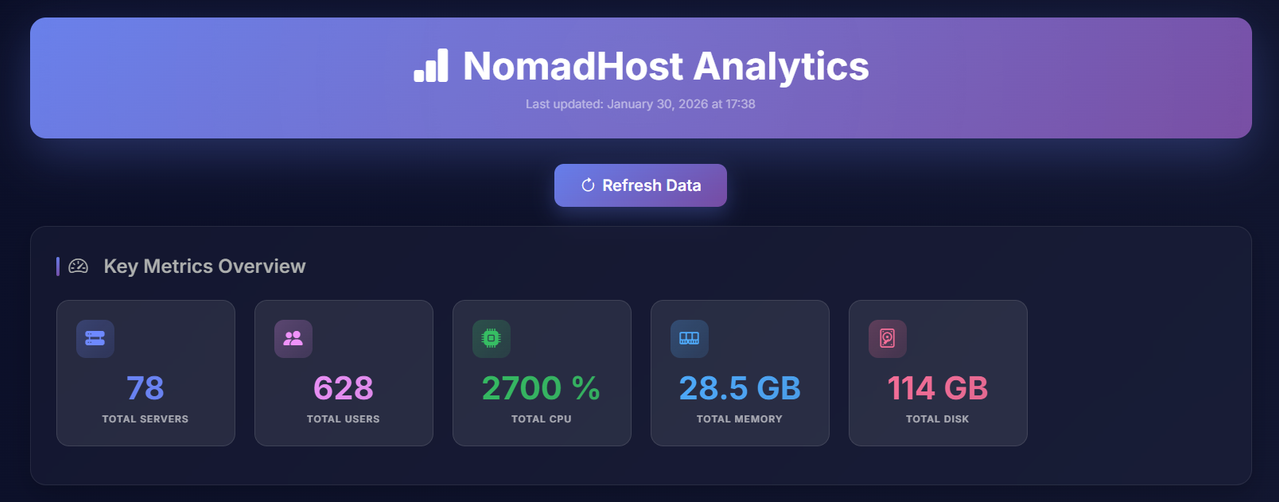
- Real-time Analytics 📊 – Provides a comprehensive overview of your hosting’s key metrics and infrastructure health
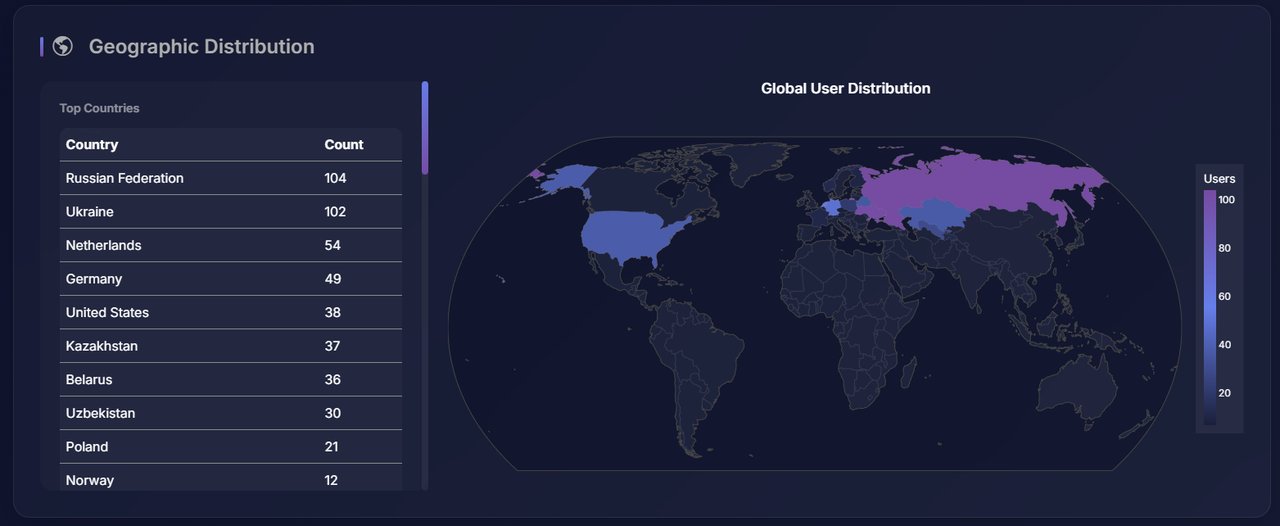
- Interactive Geolocation 🌍 – Visualizes user distribution across the globe using an interactive heat map
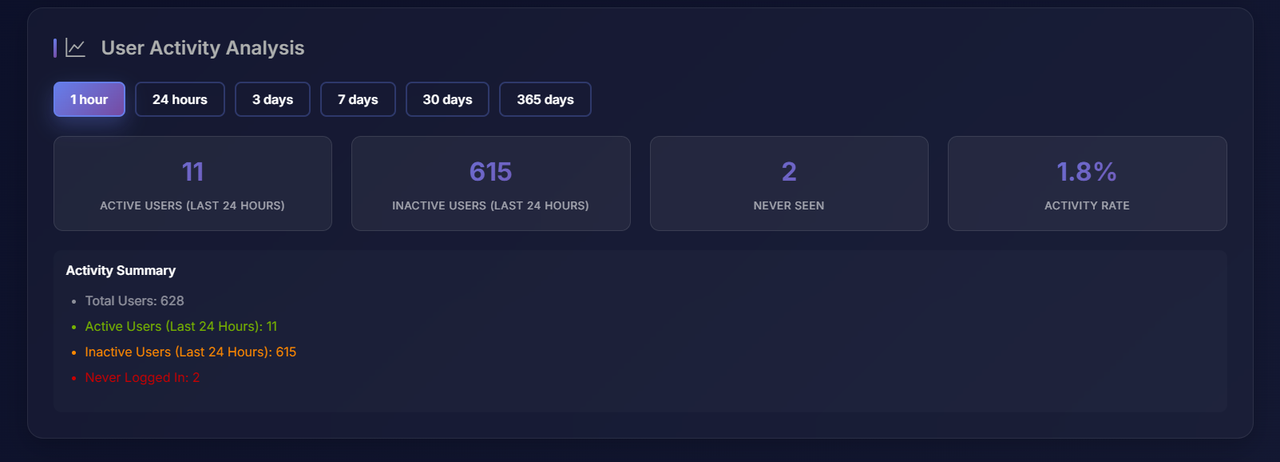
- Activity Tracking 📈 – Analyzes user engagement and retention across multiple timeframes (from 1h to 365 days)
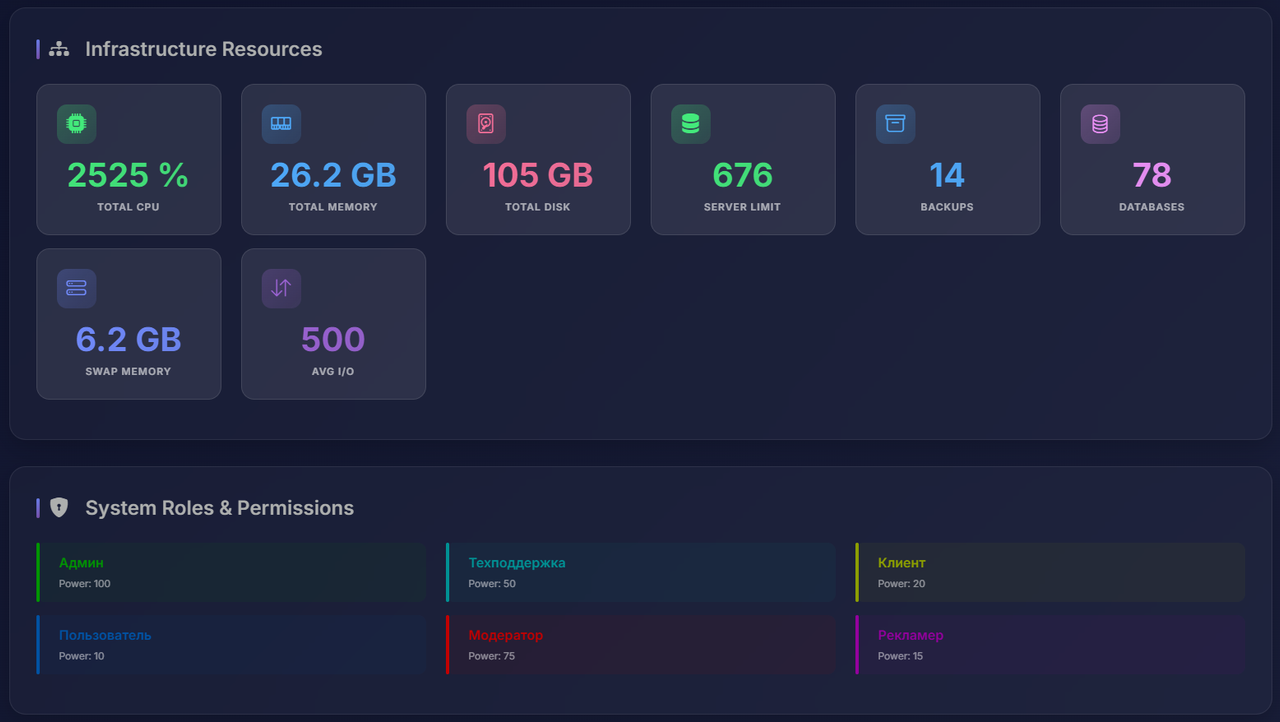
- Resource Monitoring ⚙️ – Tracks total CPU, Memory, and Disk allocation across all active nodes
- Security & Roles 🛡️ – Displays system roles, permission levels, and administrative power distribution
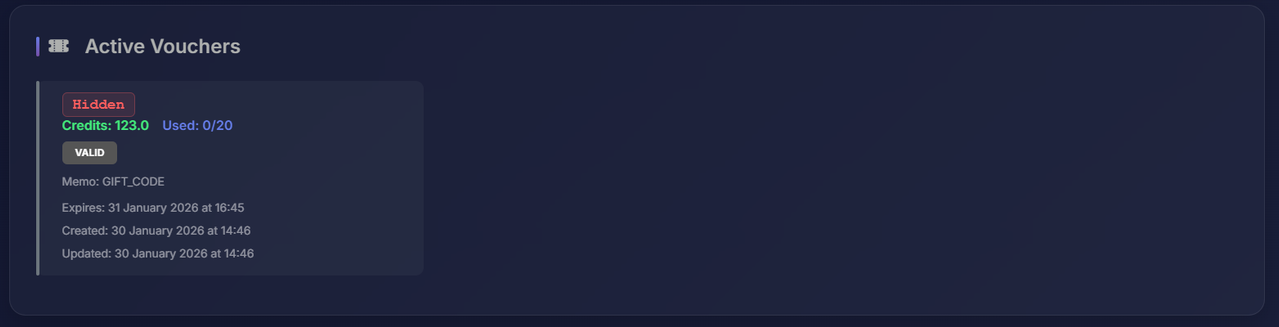
- Voucher Management 🎫 – Monitors active discount codes, credit balances, and usage statistics at a glance
- Professional UI 🌑 – Features a modern, high-performance dashboard with a dark theme and responsive design
No Refunds! Due to the digital nature of this product, all sales are final!





Reviews
There are no reviews yet.